A comparison of React Query vs Redux for state management in React: the server state vs client state distinction, a comparison table, and the real answer to choosing well in 2026.
If you're trying to figure out whether to choose React Query or Redux for your React application, you're probably asking the wrong question. These two tools are often presented as competitors, but they don't solve the same problem. Pitting them against each other is like comparing an HTTP cache to an application store.The key to deciding well in 2026 is to understand a fundamental distinction in state management: server state and client state. Once that boundary is clear, the choice becomes obvious, and it rarely comes down to picking one against the other.
The fundamental distinction: server state vs client state
All the state in a React application falls into two categories.Server state refers to data that belongs to your backend and that you consume through an API: the list of users, the current profile, search results. You don't own it, you hold a temporary copy. This state is asynchronous, can become stale at any moment, and must be synchronized, cached, and then refreshed.Client state (or UI state) refers to what lives only in the browser: a menu open or closed, a dark theme, the contents of a cart before checkout, the steps of a multi-page form. No one but your application knows about this state. It's synchronous, and you are its sole source of truth.Most bugs and complexity come from confusing these two worlds: storing server data in Redux forces you to manually reimplement caching, refetching, and error handling. That's exactly what React Query does for you.
React Query: the tool for server state
React Query (now TanStack Query) is a library designed exclusively for server state. It handles caching, request deduplication, automatic background refetching, targeted invalidation, optimistic updates, and the loading / error states, all with very little code.
import { useQuery } from "@tanstack/react-query";

function UserProfile({ id }: { id: string }) {
  const { data, isLoading, error } = useQuery({
    queryKey: ["user", id],
    queryFn: () => fetch(`/api/users/${id}`).then((r) => r.json()),
  });

  if (isLoading) return <Spinner />;
  if (error) return <Error />;
  return <h1>{data.name}</h1>;
}
In a few lines, you get caching, refetching, and error handling. Important: React Query is not a replacement for Redux when it comes to UI state. It doesn't know how to manage a theme or the open state of a modal: that's simply not its job.
Redux Toolkit: the tool for global client state
Redux Toolkit (RTK) is the modern way to use Redux. It's designed for global client state, shared across multiple features, predictable and persistent. It shines when many components scattered across the tree need to read and modify the same state, with a strict, traceable flow.
RTK remains more verbose than React Query (slices, actions, store, selectors), but this structure brings real predictability and formidable devtools for time-travel debugging. The price of rigor.
Comparison table
Criterion
React Query (TanStack Query)
Redux Toolkit
Type of state managed
Server state (API data)
Global client state (UI, local domain)
Automatic caching
Yes, native and configurable
No, you implement it yourself
Refetch / invalidation
Built in
Manual
Boilerplate
Low
Moderate to high
Learning curve
Gentle
Steeper
Devtools
Yes (React Query Devtools)
Yes (Redux DevTools, time-travel)
Ideal use case
Synchronizing server data
Sharing complex UI state
The real answer: it's not one or the other
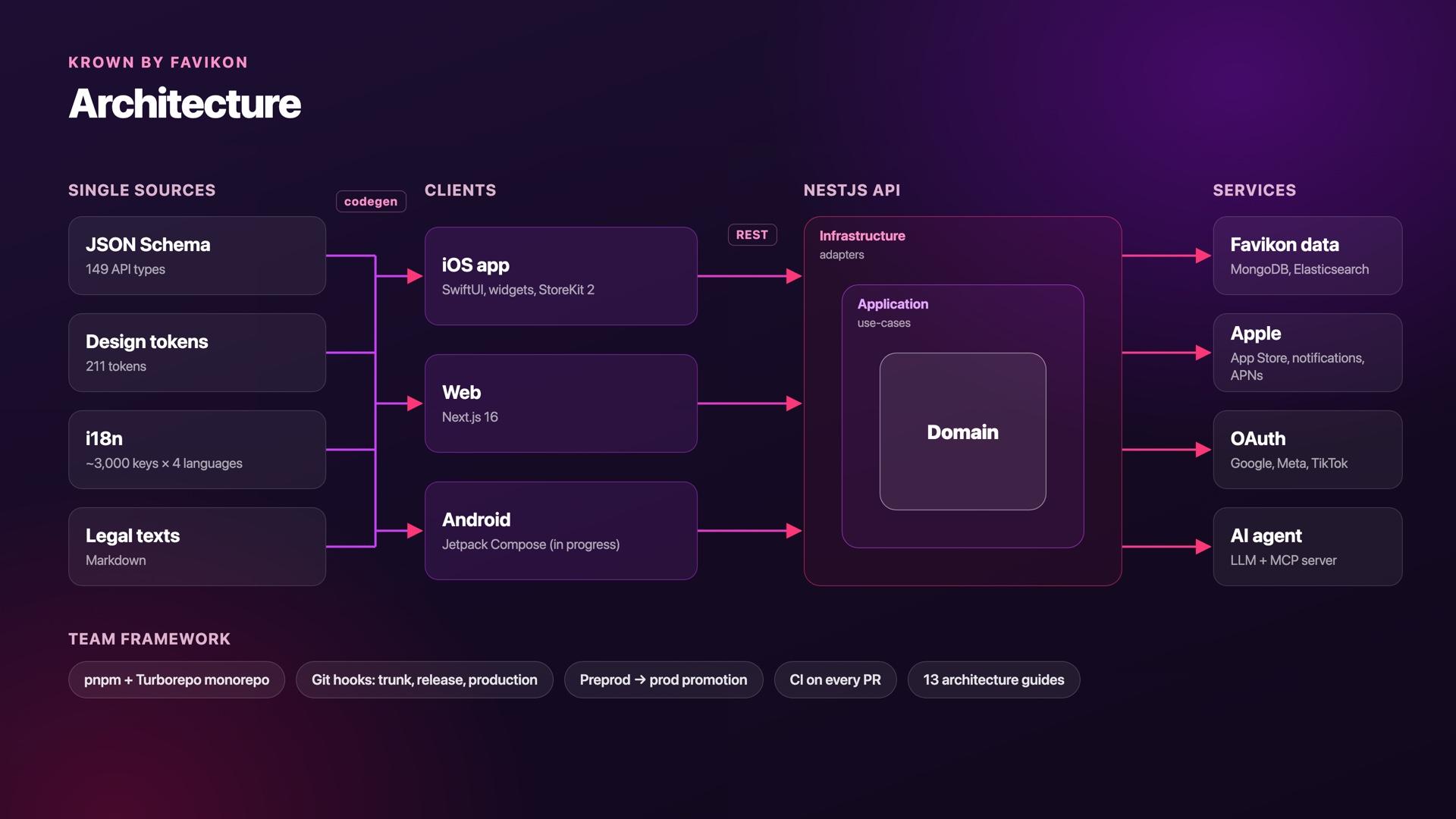
In a real application, you have both types of state. The optimal solution in 2026 is therefore often a combination: React Query for everything that comes from the server, and a lightweight store for global UI state.This is exactly the approach I use in production on Favikon, a B2B SaaS platform. React Query manages the cache of server data with smart invalidation and optimistic updates, while Redux Toolkit holds the persistent global state shared across features. Each tool stays in its lane, and the codebase breathes.Worth noting: for global client state, Zustand is an increasingly popular alternative to Redux: much lighter, no boilerplate, perfect when you don't need all of Redux's machinery.
When to choose what
React Query alone is enough when your application is essentially an API client: lots of server reads/writes, and very little shared UI state (which useState and the Context API cover just fine).
Redux (or Zustand) alone is enough when most of your complexity is client state: editors, configurators, highly interactive applications with few network calls.
Combine the two as soon as you have both non-trivial server data and shared global UI state (the case for the majority of modern SaaS apps).
What to remember
React Query and Redux are not competitors: one manages server state, the other client state. Always ask yourself "does this data belong to the server or to my UI?" before deciding where to store it. When in doubt, separate: let TanStack Query handle caching and network synchronization, and reserve your global store for what truly lives in the browser.Want to see this architecture applied to a real product? Discover Favikon, the B2B SaaS platform where I combine React Query and Redux Toolkit every day, or learn more about my journey as a Full Stack developer.